

If your Dodge RAM has factory-installed LED turn signals (projector headlamps) and you're dealing with hyper-flashing or bulb-out warnings, the Diode Dynamics Hyperblink Fix Module eliminates the issue with a simple plug-in install. Note: these modules are NOT for trucks with factory incandescent turn signals (quad lamps). Here's how to install them.
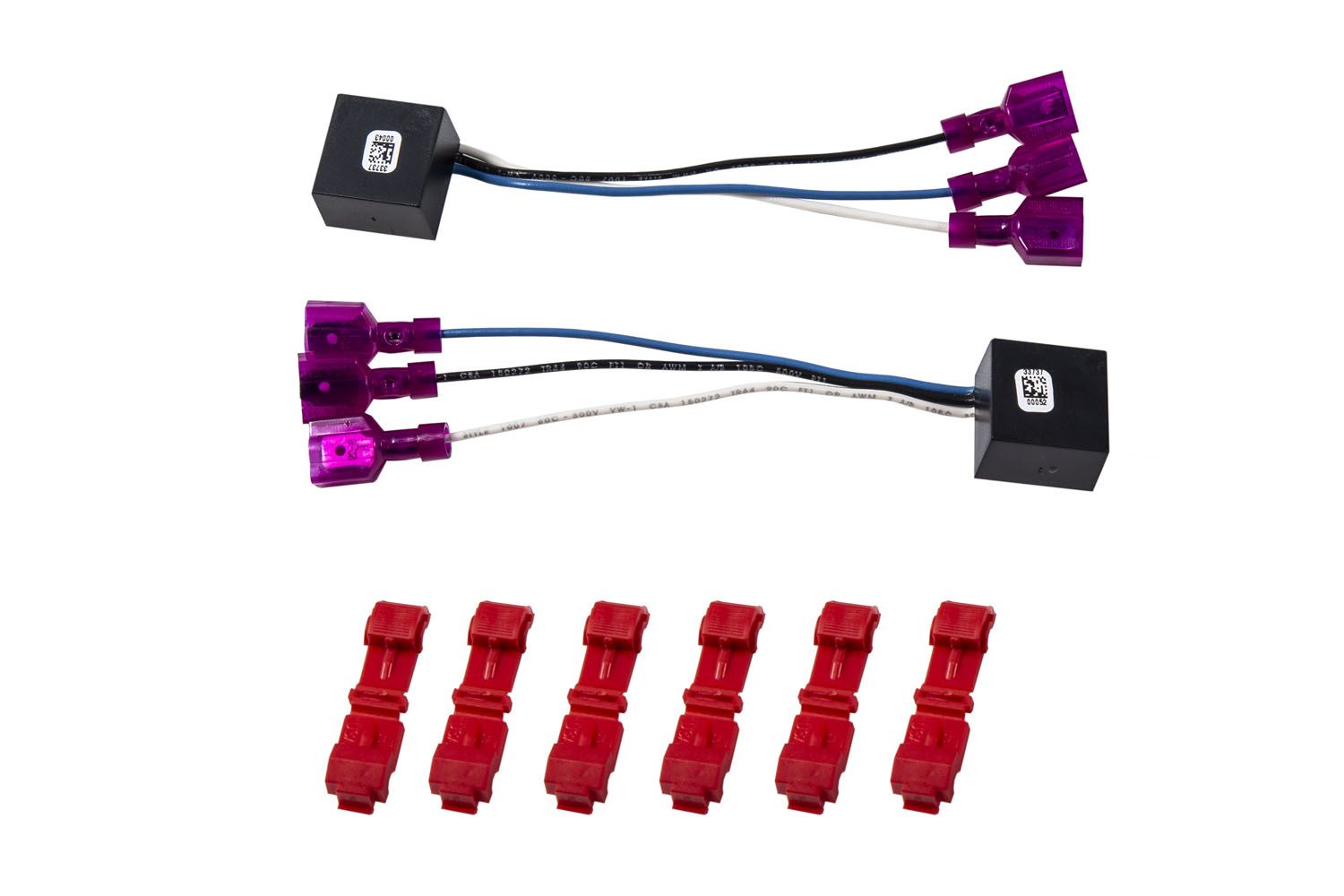
Table of Contents
Installation Instructions
Step 1 — Remove the Headlamp
Access the factory headlamp connectors by removing the trim panel above the grill, the grill, and the headlamps. All pieces are held in by locking screws and/or standard bolts. To fully release the headlamp, reach into the wheel well and push up on the locking clip. Unplug the lamps and set them aside.
Step 2 — Identify the Wires
Locate the wires you need on the factory headlight connectors. The connector has small numbers designating the pin numbers. The colors differ on each side, but all three wires are right next to each other on one side of the connector. Refer to the wire guide included with the kit.
Step 3 — Tap the Wires
Place the wire into the groove of the T-tap and fold it over the top of the wire. Use pliers to clip firmly down, then plug the connector into the end. Repeat for the remaining wires. The install is complete.
Questions About the Install?
If you run into any issues during the installation, contact Ess K Customs — as an authorized Diode Dynamics dealer, we're here to help.
Shop RAM Lighting at Ess K Customs
Looking for lighting upgrades for your Dodge RAM? As an authorized Diode Dynamics dealer, Ess K Customs carries genuine products with full manufacturer warranty.
Browse Dodge RAM Hyperblink Fix at Ess K Customs →
This install guide applies to Diode Dynamics SKU: DD3052